Notes from the foundry
Far Haul 0.3.0: Known Space Gets a View
Version 0.3.0 gives Sol recognizable planets, adds freight stops at Venus, Jupiter and Saturn, and makes every system feel like somewhere distinct.
Far Haul 0.3.0 is available for Windows. The last release concentrated on the ship itself and how it flies. This one makes the universe outside the cockpit worth looking at. The scenery now changes when you travel, and destinations across known space have distinct identities rather than interchangeable backgrounds.
Home looks like home
Earth no longer resembles a generic blue moon. Its coastlines come from NOAA public-domain elevation data, with oceans, clouds, a thin atmospheric edge and nighttime city lights. Luna has a recognizable face and a consistently gray moon base. Mars has its familiar red terrain and polar caps.
These details matter in a game built around travel: the player should recognize where they are, and feel the difference when they leave.
Three more reasons to leave Earth
Sol now includes three additional freight destinations:
- Venus cloud port, with a world hidden beneath thick clouds.
- Jovian works, set against Jupiter’s bands and Great Red Spot, and offering the cheapest fuel in Sol.
- Saturn ring yards, where the rings, their gap and Saturn’s shadow define the view.
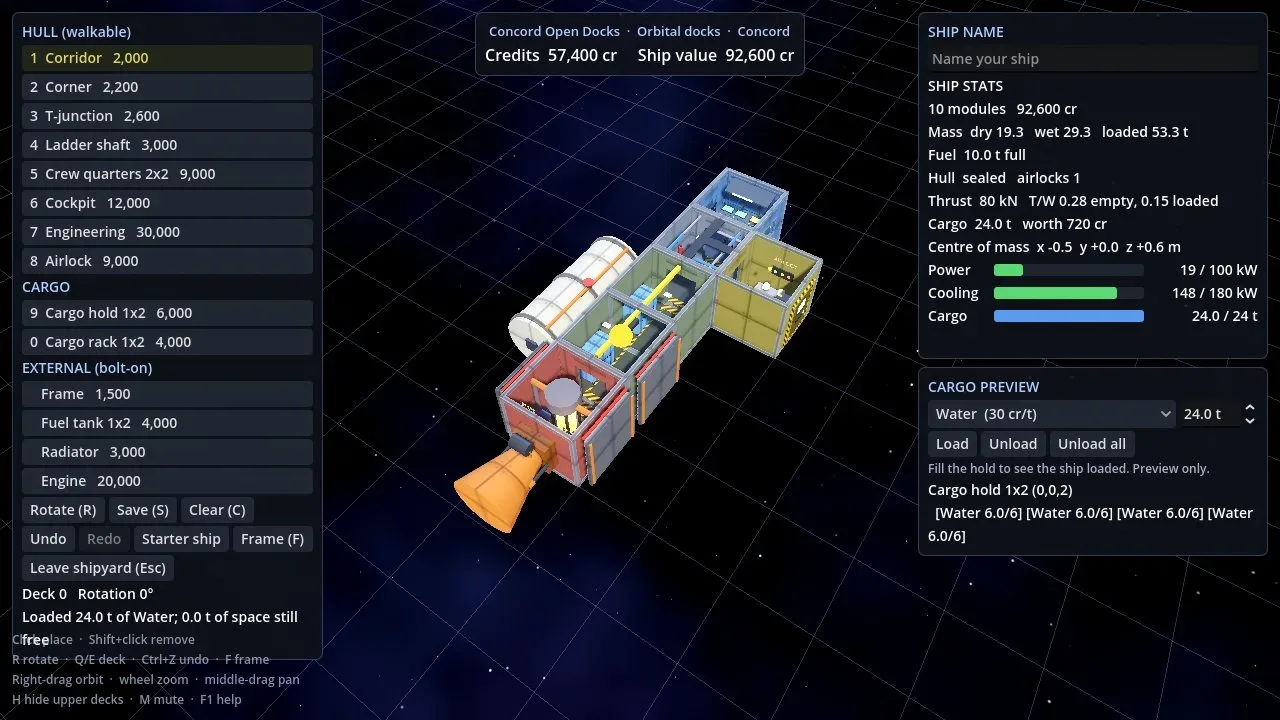
These are functional destinations with their own station forms and freight boards, not just background objects. Distance also matters. The run to Saturn requires more fuel than the starter ship can carry; adding tanks and planning refueling becomes part of the job.
Other systems have identities of their own
The change extends beyond Sol. Keshar has jade seas under yellow haze. Ilos has escarpments and violet air. Veyara has island arcs; Orun has dust; Hesperus has agricultural belts; Foundry has glowing lava fractures; Roosevelt is snowy; Tidemark is storm-covered.
Inhabited worlds show night-side lights, and remote Lastlight has just one illuminated settlement. Many systems also have a neighboring world in the distance. Not every stop is hospitable: Carver, Port Meridian and Waystation have appropriately stark environments.
The environments reflect the game’s existing worldbuilding rather than applying a generic planet texture everywhere.
Arrivals finally match the destination
After a local flight or a star jump, the station and surrounding sky now belong to the place you reached. The view no longer looks like the one you just departed. That is a substantial improvement to the sense of traveling between real locations.
A tighter hull and a clearer voice
A visible gap where the airlock joined the main hull has been closed. An automated enclosure test now checks that rays from inside the hull cannot escape through unintended openings.
Hints, warnings, shipyard text, bar dialogue and the information site have also been rewritten with the voice of a tired freight captain. Controls, prices and numeric information remain unchanged, while essential key prompts stay straightforward.
Still a Windows prototype
Version 0.3.0 is a 64-bit Windows prototype, not a finished game. The ZIP is portable: extract it and run FarHaul.exe. Saves live alongside the executable in the Far Haul saves folder, and earlier saves remain compatible.
Mercury, Uranus and Neptune are not yet represented; EVA spacewalks, atmospheric planets and crew systems remain future work. Game economy and tuning are also subject to change.
Read the v0.3.0 release notes and download the Windows build. The previous v0.2.0 development update remains available as part of the project’s development history.